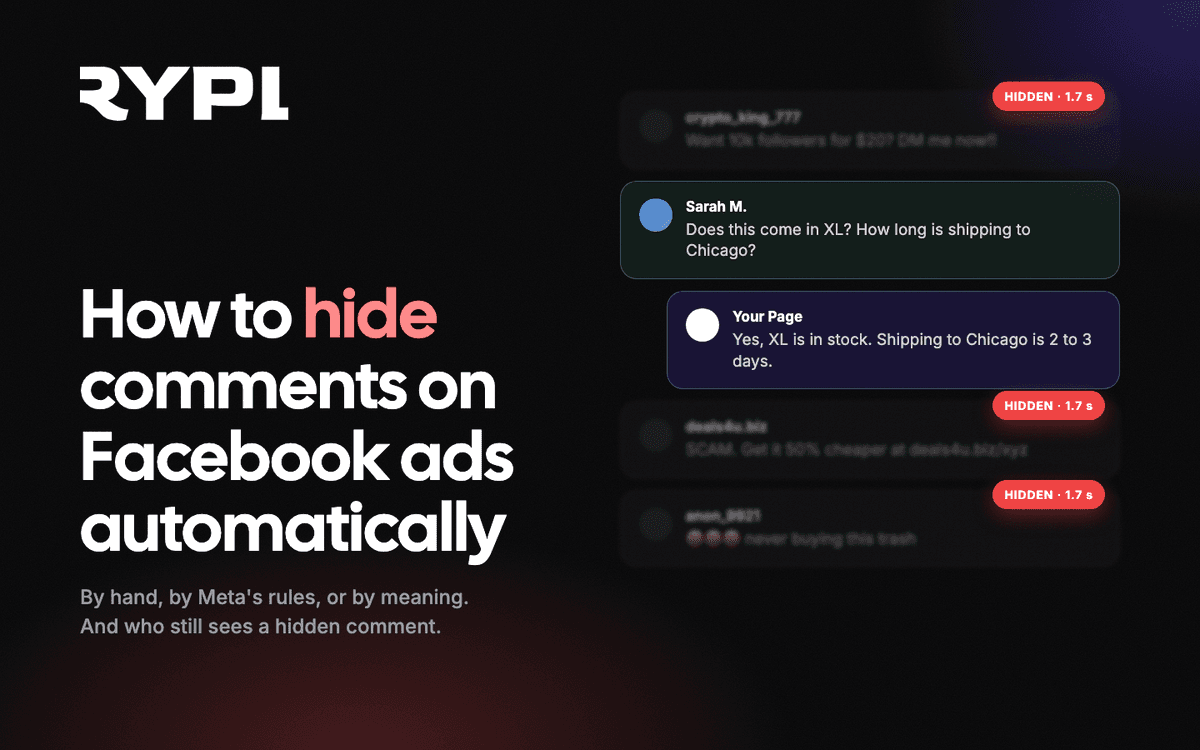
If you are running TikTok ads, you are already paying for attention. People see your video, stop scrolling, and some of them leave a comment — a question, a reaction, sometimes even a direct "where can I buy this?" And then what? For most advertisers, the answer is: nothing. The comments just sit there.
That is a problem. You paid to bring those people in. They engaged. They had a question or an objection. And then — silence. Meanwhile, your comment section fills up with spam links and unanswered buying signals, all visible to the next person considering your product.
This guide covers why TikTok ad comments deserve the same attention you give Facebook, what tools exist for managing them, and how to build an approach that actually scales.
Why TikTok Ad Comments Matter More Than You Think
Comments on TikTok ads are not just engagement metrics. They serve three functions that directly impact your bottom line:
Social Proof at Scale
When a potential customer sees your ad, the first thing many do is scroll to the comments. They are looking for validation — have other people bought this? Did it work? Is this brand legit? A comment section full of unanswered questions signals that the brand is either overwhelmed or indifferent. Neither builds confidence.
Conversely, a comment section where questions are answered quickly and thoughtfully tells every viewer: this brand pays attention and follows through. That perception converts.
Algorithm Signals
TikTok's algorithm rewards engagement. Comments, replies, and active threads signal that your content is generating conversation, which can improve delivery and reduce your cost per result. Ignoring comments is not neutral — it actively works against your campaign performance.
Direct Buying Signals
Unlike passive views or even likes, comments often contain explicit purchase intent. "How much is this?", "Does it come in other sizes?", "Can you ship to the UK?" — these are people ready to buy. They just need one more answer. If that answer takes 12 hours, they have already moved on.
The brands that respond first tend to win the sale. This is not a TikTok-specific insight — it holds true across every platform. But on TikTok, where content moves fast and attention spans are short, the window is even narrower. An hour is too long. Sometimes even ten minutes is too long.
The Challenge of Managing TikTok Ad Comments
If managing TikTok ad comments were easy, everyone would do it. Here is why it is not:
-
Volume — A single ad campaign can generate hundreds of comments per day. Multiply that by multiple campaigns across multiple ad accounts, and you are looking at thousands of comments per week.
-
Speed expectations — TikTok users expect fast responses. A comment on a Facebook post might wait a few hours. On TikTok, users expect near-instant interaction. By the time your team reviews comments in the morning, yesterday's buying intent has gone cold.
-
Language diversity — TikTok's audience is global by default. Your ad might reach users commenting in English, Spanish, Portuguese, French, and Arabic — sometimes on the same video. Managing multilingual comments manually requires either a multilingual team or a lot of ignored comments.
-
24/7 campaigns — Ads run around the clock. Comments arrive at 3 a.m. your time. If nobody is watching, the comment section accumulates spam, unanswered questions, and negativity — all visible to every subsequent viewer.
-
No built-in automation — TikTok's native comment management is limited to basic keyword filters and manual moderation. There is no auto-reply, no sentiment analysis, and no integration with your product catalog or CRM.
What TikTok Gives You Natively
TikTok Ads Manager provides basic comment management:
-
Keyword filters — You can set up a list of words to automatically hide comments containing those terms. This catches obvious spam but has the same limitation as every keyword filter: no context understanding. Filtering "scam" hides both actual scam links and genuine customers asking "Is this a scam or legit?"
-
Manual moderation — You can manually review, hide, or reply to comments in TikTok Ads Manager. This works at low volume. It becomes unsustainable once you run more than two or three campaigns simultaneously.
-
Comment disabling — You can turn off comments entirely on an ad. This eliminates the problem but also eliminates the social proof, engagement signals, and buying conversations that make comments valuable in the first place. It is the equivalent of locking the front door of a store to prevent shoplifting — effective, but you also stop customers from coming in.
For brands spending less than $500 per month on TikTok ads with a single campaign, these native tools might suffice. Beyond that threshold, the volume and complexity outpace what manual management can handle.
Automating TikTok Comment Management With AI
AI-powered comment management changes the equation entirely. Instead of reacting to comments after they accumulate, AI processes each comment in real time — analyzing what is being said, deciding what to do, and taking action automatically.
Here is what that looks like in practice:
Sentiment Analysis
Every comment is classified as positive, neutral, or negative. This is not simple keyword matching — AI reads the full context. "This looks too expensive" is negative sentiment with purchase intent. "LOL this is terrible" from an account that has never interacted with your brand is noise. AI distinguishes between the two and handles them differently.
Intent Detection
Beyond sentiment, AI identifies what the commenter actually wants:
- Purchase intent — pricing questions, availability checks, "where can I buy this?"
- Support — complaints, shipping issues, product problems
- General engagement — compliments, jokes, casual reactions
- Spam — bot comments, scam links, irrelevant promotions
Each category triggers a different response strategy. Purchase-intent comments get answered immediately with relevant product information. Spam gets hidden. Complaints get empathetic, solution-oriented replies.
Context-Aware Replies
The most important difference between AI and templates: AI replies are specific. When someone asks "Does this come in blue?", AI checks your product catalog and gives the actual answer — not a generic "Please visit our website for more information."
This specificity is what converts browsers into buyers. A real answer to a real question, delivered in seconds.
Real-World Examples
Here is how AI handles different types of TikTok ad comments:
| Comment | Type | AI Action |
|---|---|---|
| "How much is this?" | Purchase intent | Replies with specific pricing from product catalog |
| "Does this ship internationally?" | Purchase intent | Replies with shipping policy details |
| "FREE FOLLOWERS tap my profile!!!" | Spam | Hidden automatically |
| "I ordered last week and still nothing" | Complaint | Empathetic reply with support contact, flagged for human review |
| "This actually works, bought it last month" | Positive | Thank-you reply that reinforces the testimonial |
| "Looks fake tbh" | Skepticism | Addresses concern with social proof or guarantee details |
Every reply is generated based on your knowledge base, brand voice, and the specific context of the conversation — not a pre-written script.
What Actually Works: Practical Tips
Whether you use AI or manage comments by hand, a few things hold true:
1. Reply to Buying Questions Within Minutes, Not Hours
This one is straightforward: someone asks a question about your product while they are still interested. The longer you wait, the colder that interest gets. On TikTok, where users scroll fast and attention is fleeting, a reply that arrives 30 minutes later might as well arrive never. If you cannot guarantee fast manual replies, automate them.
2. Keep Spam Invisible, Not Disabled
Hiding spam is better than disabling comments entirely. A clean, active comment section with real conversations is one of the most powerful trust signals your ad can have. Turning comments off tells every viewer that the brand either has something to hide or cannot handle public feedback.
3. Address Negativity Publicly
When a real customer expresses frustration, respond publicly before taking the conversation private. Your reply is not just for that one person — it is for every potential buyer watching the exchange. A thoughtful, professional response to criticism builds more trust than a hundred positive comments.
4. Use Your Product Data
Generic replies waste the opportunity. If someone asks about a product, answer with real information — pricing, specs, availability, shipping times. AI tools that connect to your product catalog make this automatic. Manual replies should aim for the same specificity.
5. Monitor Comment Patterns
Track which ads attract the most spam, which products generate the most questions, and which markets engage most actively. This data informs your ad creative, targeting, and product pages. Comments are free market research — use them.
6. Do Not Delete Genuine Negative Comments
Deleting authentic negative feedback makes your comment section look curated and inauthentic. Hide spam and abuse, but let real criticism stand — especially if you have replied thoughtfully. Viewers trust brands that handle criticism gracefully far more than brands with suspiciously perfect comment sections.
Getting Started
None of this needs to be complicated. The core idea is simple: treat every comment on your ads as a conversation with someone who might buy from you — because that is often exactly what it is.
If you are running more than a couple of TikTok campaigns at a time, managing comments manually is not realistic. Automating the replies and moderation means your comment sections stay clean and responsive around the clock — without adding headcount.
Start your free 7-day trial and connect your TikTok Business account alongside Facebook and Instagram. See what AI comment management looks like on your own ads.
For details on our TikTok integration, read our product announcement. To learn how keyword-based moderation adds another layer of protection, check out our guide on keyword moderation.